
AI SantaVideo Generator
Santa sneaks into your home video. From a single photo.
Tip: for the best video, make a Christmas photo first, then tap Animate it.
Choose a motion · Upload your living room: Santa sneaks in on a "CAM 01" security feed
Video length
The video keeps your photo's shape: pick 9:16 in Portrait mode for TikTok and Reels.
Videos need an account and credits Auto-deleted in 24h
Use only your own photos or ones you have permission to use. · Terms
To make an AI Santa video, upload a photo of your living room or Christmas tree and choose Santa Caught on Camera: the AI turns it into a security-camera clip of Santa tiptoeing in and leaving a gift. Or animate a family photo so everyone waves in the snow. Videos take 1–3 minutes.
How to make a Santa video with AI
- 1
Upload a photo
For Santa videos, a photo of your room or tree. For family videos, a group photo, ideally a Christmas photo you made here first.
- 2
Pick a motion
Santa Caught on Camera, Santa Waves Hello, or family motions like Snowfall & Wave, Holiday Toast and Magic Sparkle.
- 3
Download the MP4
20 credits for 5 seconds, 40 for 10. It's saved to My Creations, so you can leave the page while it renders.
Real results
Start from photos like these
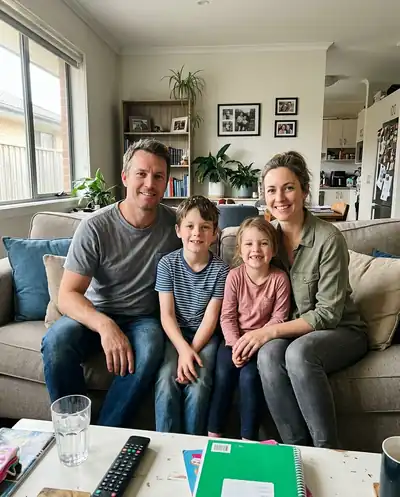
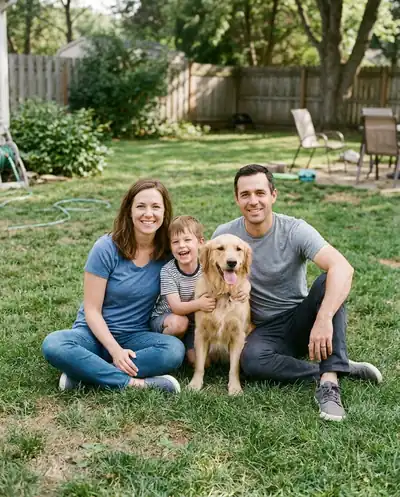
Room photos become Santa visits; Christmas portraits become family videos. These are the stills our example videos were made from.
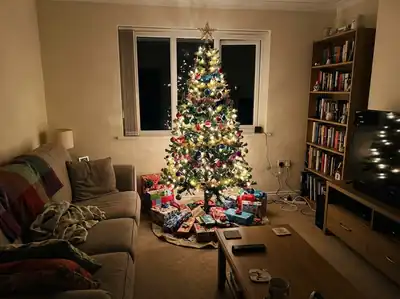 Before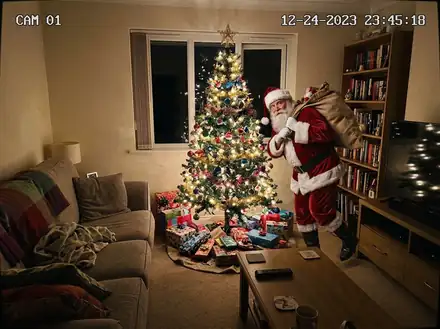
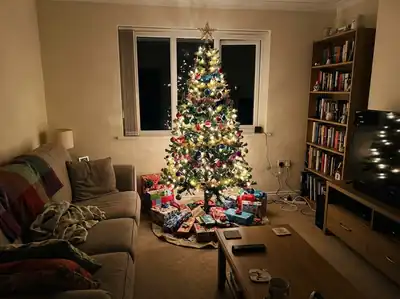 Before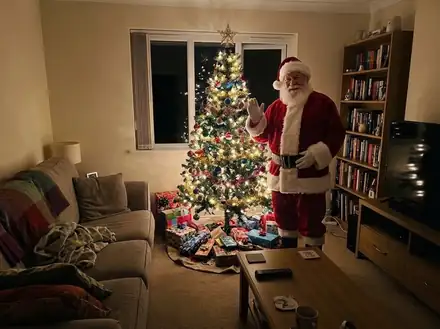
 Before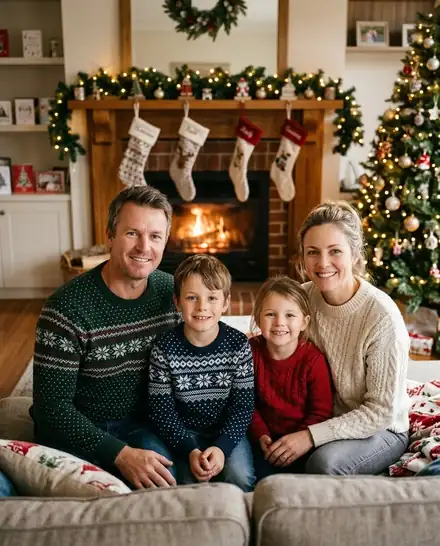
 Before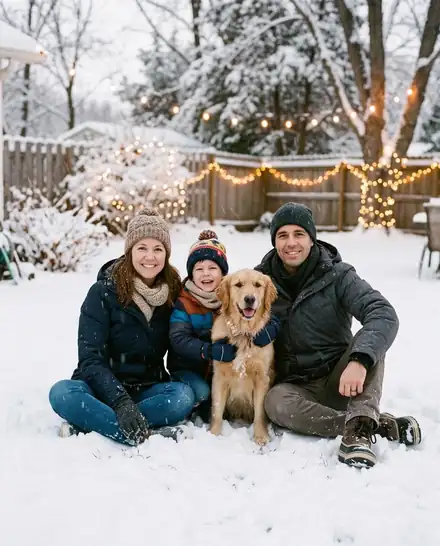
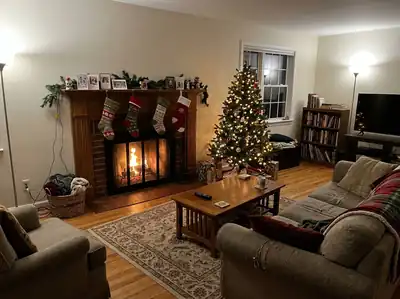 Before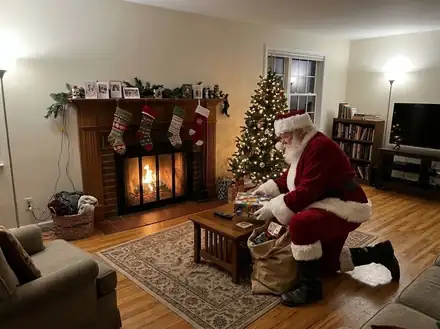
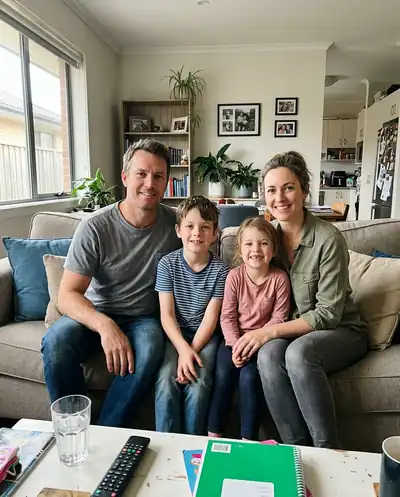 Before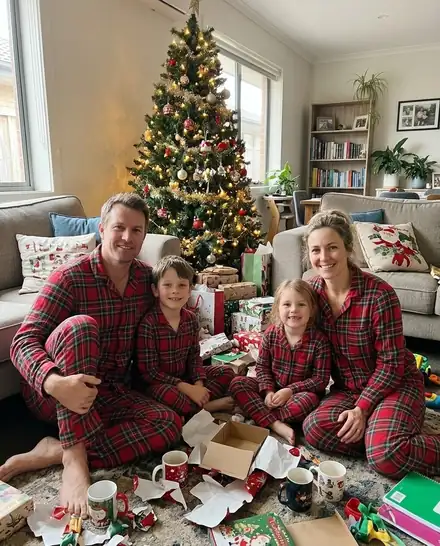
All people and pets in these examples are AI-generated; no real customers' photos are shown.
What makes these Santa videos fun
Santa caught on camera
A fixed, slightly grainy night view with "CAM 01" and a timestamp. Santa tiptoes in, leaves a gift and winks at the camera.
Your real home
The video starts from your own room photo, so kids recognise the sofa, the tree and the rug.
Family photos come alive
Snowfall and waves, opening presents, a holiday toast or a dance around the tree. Faces stay the same.
5 or 10 seconds
Short enough for a WhatsApp message or a Reel, long enough for Santa to make his entrance.
Describe your own
Write the motion in one sentence, like "everyone throws snowballs at the camera and laughs".
Private, auto-deleted
Uploads and results are deleted 24 hours after you make them. We never use your family photos to train AI.
What an AI Santa video is
An AI Santa video starts from one still photo and turns it into a short moving clip. Upload a photo of your living room and the AI makes Santa appear in it: tiptoeing in with his sack, leaving a gift under the tree, then turning to the camera with a wink. The room, the furniture and the camera angle come from your own photo, so it really looks like your home.
These are short silent clips of 5 or 10 seconds, made for sharing and for showing the kids. They are not talking Santa messages: Santa doesn't say your child's name. What they do well is the "we caught him" moment.
Santa caught on camera video
Pick Santa Caught on Camera and the clip is shot like a home security feed: fixed camera, slightly grainy night look, any "CAM 01" label and timestamp stay in place while Santa moves through the room. It is the video version of the classic caught-on-camera photo, and it works best with a photo taken from a high corner of the room with the tree in view.
Prefer something gentler? Santa Waves Hello places Santa in your room, turning to the camera to smile, wave and wink, in warm Christmas light.
Animate your family Christmas photo
The second group of motions is for photos of people and pets. The best path is to make a Christmas portrait first with the AI Christmas photo generator, then tap "Animate it" on the result. The video starts from that festive photo, so you get the fireplace, the pajamas or the snow, now moving.
- Snowfall & Wave: snow falls and everyone smiles and waves at the camera.
- Santa Arrives: Santa walks in from the side and greets the people in your photo.
- Opening Presents: ribbons and confetti fly as everyone opens gifts.
- Cozy Fireplace Glow: firelight flickers and everyone leans in.
- Holiday Toast: glasses up, cheers.
- Dance Around the Tree: a happy dance, pets included.
- Magic Sparkle: golden sparkles, snow and a slow push-in. The safest choice for any photo.
- Describe your own: write the motion in one sentence.
Tips for a better Santa video
Video models follow the photo you give them, so the photo matters most:
- For Santa motions, use a room photo with open floor space where Santa can walk.
- For family motions, use a sharp photo where every face is visible, ideally a Christmas photo made here first.
- Choose the shape before you animate: the video keeps the photo's shape, so make a 9:16 photo for TikTok and Reels.
- Keep custom motions simple and physical, like "everyone throws snowballs at the camera". One action reads better than five.
- You can also add Santa to a photo first and then animate it, so the video starts with Santa already in the room.
Time, price and privacy
A video takes about 1 to 3 minutes. You don't need to wait on the page; it is saved to My Creations when it's done. A 5-second video costs 20 credits and a 10-second video costs 40 credits. Videos need an account, and credits come in one-time packs with no subscription. If a video fails, the credits are returned automatically.
Want the still version on a card? Use the Christmas card generator with the same photo. Uploads and results are deleted after 24 hours, so download your MP4 when it's ready.
Ways to use a Santa video
Christmas morning reveal
Play the kids a clip of Santa sneaking into your own living room.
Family group chats
A 5-second wave from the whole family, sent to everyone who can't visit.
Reels and TikTok
Make a 9:16 Christmas photo first, then animate it for a vertical video.
Holiday e-cards
A moving Christmas greeting that feels more personal than a GIF.
AI Santa video FAQ
Upload a photo of your living room or tree, choose Santa Caught on Camera or Santa Waves Hello, pick 5 or 10 seconds and press Create Christmas Video. The MP4 is ready in about 1 to 3 minutes and is saved to My Creations.
More Christmas tools
Catch Santa on camera this year
One photo of your living room. Santa does the rest.